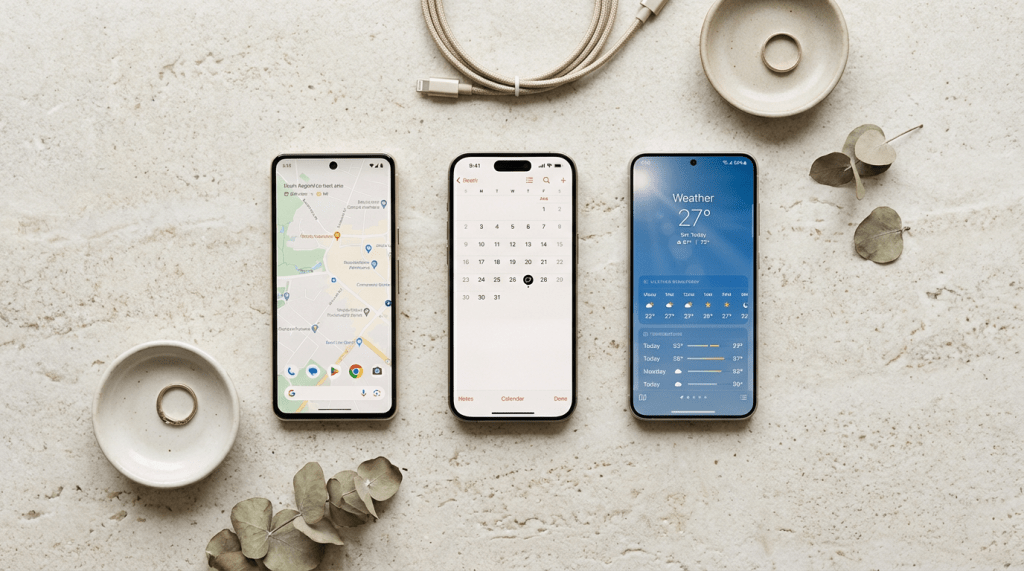
A new phone with blazing-fast 5G can look like a shortcut to a better day. Still, the wrong one can leave with weak battery life, poor photos, or a bill that feels worse over time.
Before you buy a new smartphone, ignore the hype around flagship models. Focus on how you actually use your phone from morning to night. That is where the right decision starts.
This video gives a quick feel for how people judge real phone use in 2026.
Start with How You Use Your Phone
If your phone is mostly for texting, maps, photos, and streaming, you likely do not need a top-tier model. A good mid-range or budget phone will handle daily tasks smoothly.
If you play games, edit videos, or shoot a lot of content, invest in better performance, cooling, and storage.
Screen size matters as well. A large display is great for movies but can feel awkward in one hand or a pocket. Try holding the phone before buying, if possible. Also check network support. Make sure the phone works well with your carrier and supports the bands used in your area.
Military Consumer’s phone buying guide is the perfect place to compare coverage and plans where you live and work.
Your ecosystem matters too. If you already use AirPods, a Mac, or iMessage, staying within the same system is easier. Android offers more price options and flexibility, while iOS focuses on a controlled, consistent experience.

Check the Specs That Matter Daily
A spec sheet can look impressive, but only a few things matter in daily use.
Focus on:
- Battery life
- Display quality
- Camera performance
- Processor and RAM
- Storage
- Software updates
Battery should last your full day, not just lab tests. In 2026, most good phones offer large batteries and fast charging, even in mid-range models.
A bright OLED screen with sharp resolution improves outdoor use. A 120Hz screen feels smooth, but many users will prefer longer battery life.
Camera quality is not just megapixels. Check real photos for motion, skin tones, and low-light performance.
For storage, 256GB is safer than 128GB for most users. If you store a lot of files, look for expandable storage with a microSD card slot.
RAM and processor performance affect speed. More RAM helps with multitasking, while a newer processor keeps the phone fast for longer.
Check Software Support and Updates
Software support decides how long your phone stays usable.
Look for:
- At least 3–5 years of updates
- Regular security patches
- Clean interface with less bloat
A phone with long update support stays secure and performs better over time.
Think About Long-Term Cost
The price you see is not the full cost.
Check:
- Screen and battery repair costs
- Warranty coverage
- What comes in the box (charger, cable)
If you are upgrading, back up your data before selling or trading your old phone. Protect your accounts and personal information during the switch.

Quick Checklist Before You Buy
- Battery that lasts your daily routine
- Camera that performs well in real use
- Enough storage (preferably 256GB)
- Smooth performance (good RAM + processor)
- Long software support
- Comfortable design and grip
- Total cost beyond just price
The FTC’s phone upgrade checklist covers simple steps to protect your photos, accounts, and personal info in line with privacy policy best practices.
Specs only matter if they help you finish a normal Tuesday without thinking about your phone.
Before you click on “Buy Now”, picture your routine with the new phone. That’s usually where the right choice becomes obvious.
 Joydeep Express
Leave a comment